Lotus Photoshop Brush

$1.00

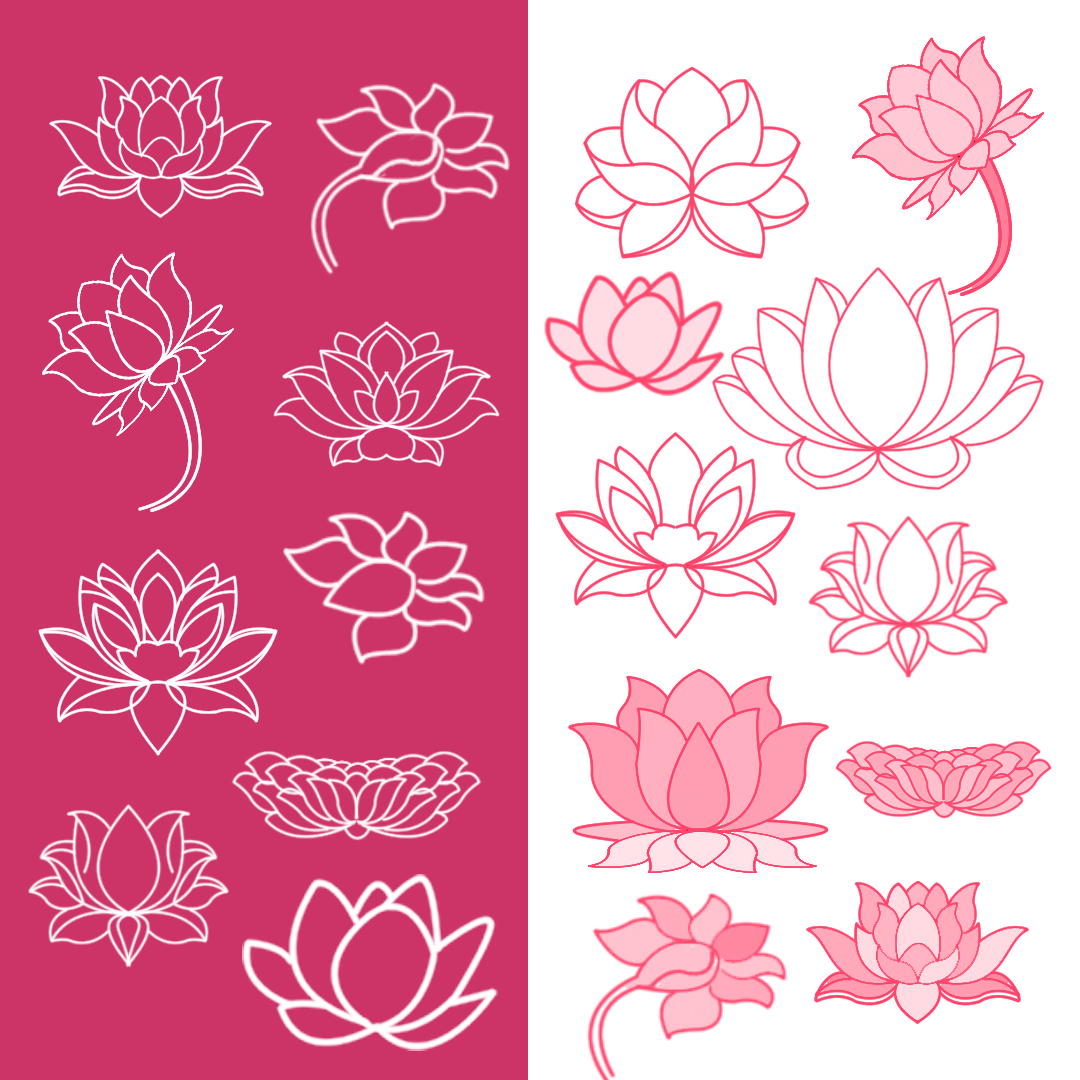
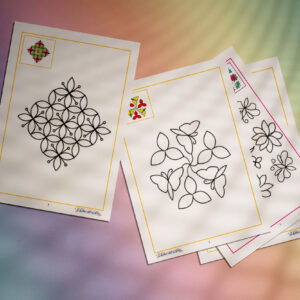
A collection of different variations of Photoshop lotus brushes for both print and digital media.
Fully scalable. Draw each object in its separate layer, this gives you the freedom to change the size, position, color, rotation, or even hide or delete.

PERFECT FOR

Hand-drawn lotus brush perfect for presentations, gift tags, print on a mug, wonderful invitation cards, greeting cards, dashboards and stickers, art prints and posters, packages, on a pillow.

INCLUDES THE FOLLOWING:

18 Photoshop hand-drawn lotus brushes in a file;
PNG preview file (1080 x 1080);

PLEASE NOTE

This is a digital download file in .zip format. No physical product will be mailed to you.

Description

Set of 18 different variations of Photoshop lotus flower brushes for both print and digital media.

HOW TO USE:

How to install Photoshop brushes

1. Open Adobe Photoshop;
2. Open Window/Brushes;
3. In the brush tab in the upper right corner, click on the four horizontal lines and click on Load Brushes … or Replace Brushes … ;
4. Find on the computer unzip the downloaded file and select .abr file.
5. Have fun in your work;
6. Be happy :)))
 

Reviews

There are no reviews yet.

Be the first to review “Lotus Photoshop Brush”

Your email address will not be published. Required fields are marked *